ONOS Research Access Guide: 13,000+ Journals, Government Institution Eligibility, Campus और Remote Login का अंतर NEW
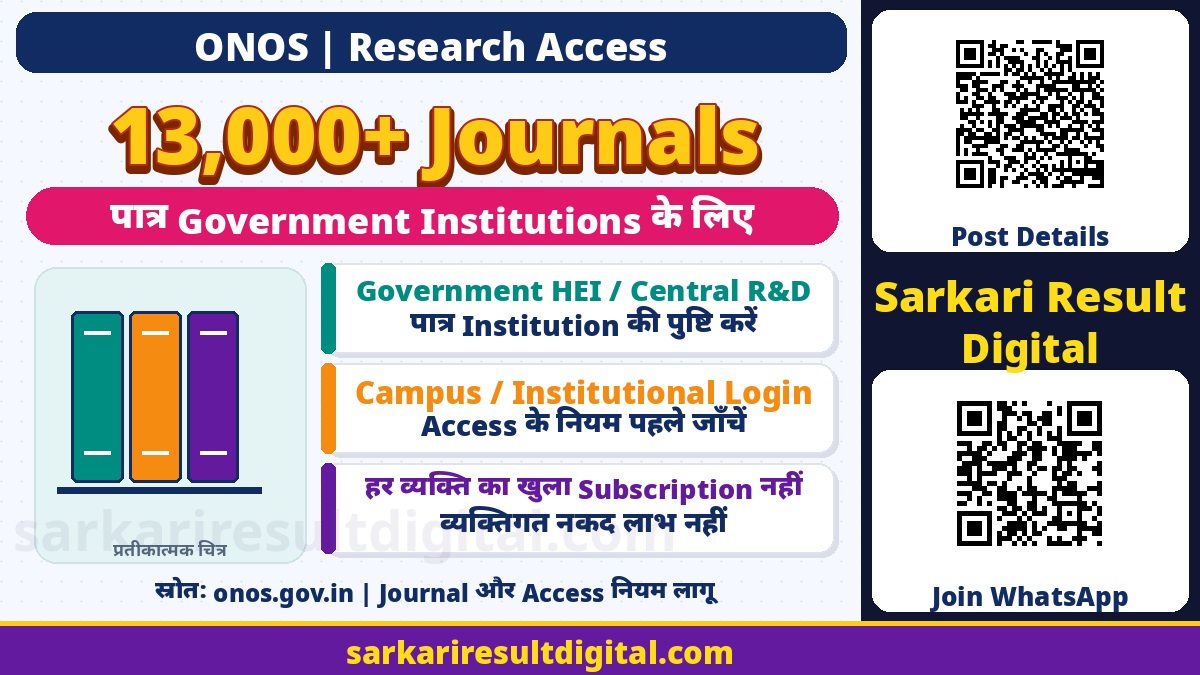
One Nation One Subscription (ONOS) Research Journal Access Guide: यह Government of India की scholarly research articles और journal publications तक पहुंच देने की scheme है। Current official portal 13,000 से अधिक full-text journals और 27 broad subject categories बताता है। इसका मुख्य लाभ पात्र institutions के students, faculty और researchers को research literature पढ़ने में है। यह सभी नागरिकों को मिलने वाला cash benefit, scholarship या हर private college के लिए automatic subscription नहीं।
Official “How to Join” के अनुसार Central और State Government Higher Education Institutions तथा Central Government R&D institutions पात्र हैं। Institutional registration, user authorization और किसी particular article का licensed access अलग बातें हैं। यहां किसी institute का registration, व्यक्तिगत login या article download नहीं किया गया है।
किसे और किस तरह लाभ?
| विषय | जरूरी अंतर |
|---|---|
| पात्र Institution | Government HEI और Central Government R&D institutions |
| Actual Users | संबंधित institution के authorized students, faculty और researchers |
| सुविधा | Covered scholarly journals और articles तक research access |
| Campus route | Registered static IP वाले campus network से access |
| Off-campus route | Institutional identity / INFED और authorization |
| APC Support | Article publishing support की अलग प्रक्रिया, automatic payout नहीं |
ONOS नाम का अर्थ हर व्यक्ति के लिए बिना affiliation सभी paid websites खुल जाना नहीं है। Eligible institution भी onboarding और technical access व्यवस्था पूरी करे। किसी course की recognition, admission, degree validity या नौकरी की eligibility ONOS membership से प्रमाणित नहीं होती।

Institution Registration और AISHE Code
Official joining page institution का नाम, AISHE code और nodal officer की contact details मांगने की प्रक्रिया बताता है। Nodal officer नियमित, senior और whole-time employee होना चाहिए। Institutional AISHE code mandatory है। जिन institutions के पास यह code नहीं, उन्हें AISHE portal के applicable category में code के लिए जाना है।
UG/PG/doctoral/post-doctoral degree या diploma students वाले institutions को AISHE में college, university या stand-alone category के अनुसार प्रक्रिया करनी है। Students न रखने वाले R&D institutions के लिए R&D category और parent Central Ministry/Department का authorization letter बताया गया है। यह institutional काम है; individual student खुद को nodal officer घोषित करके institution account न बनाए।
Campus और Off-Campus Login का अंतर
| स्थिति | Official access model |
|---|---|
| Institution का registered static IP है | Campus network से जुड़े computer, laptop या mobile पर covered access; separate individual registration जरूरी नहीं बताया गया |
| Campus के बाहर access | Institution IDP, Shibboleth और INFED authentication का रास्ता |
| College के पास static IP नहीं | INFLIBNET का centralized IDP; librarian/nodal officer users manage करते हैं |
| Authorized college user | अपने college से authorized credentials / applicable activation लें |
घर का mobile data और campus Wi-Fi एक route नहीं हैं। Campus पर खुलने वाला article घर से publisher site पर सीधे खोलने पर paywall दिखा सकता है। इससे तुरंत यह न मानें कि subscription बंद है या payment करना जरूरी है। पहले institution की remote-access व्यवस्था और librarian की instructions देखें।
College User Self-Registration से Activation तक
Official self-registration manual में ONOS website के Register और User Registration से State तथा Institute चुनना, जरूरी user details और valid email देना, email OTP, certification और captcha के बाद Register करना बताया गया है। यह route college users के manual में है; हर institution की access व्यवस्था में यही screen जरूरी नहीं।
- अपनी वास्तविक State और institution चुनें, किसी दूसरे institute का नाम न इस्तेमाल करें।
- मान्य email और सही mandatory user details दें।
- Official screen में मिला email OTP और captcha स्वयं भरें।
- Librarian/nodal officer user affiliation verify करता है।
- Verified user को activation link भेजा जा सकता है; गलत affiliation वाला record हटाया जा सकता है।
- Official activation flow में email, OTP और नया password पूरा करें।
- Activation के बाद applicable credentials से e-resources access करें।
Registration submit या OTP verified होना activated access नहीं है। Manual librarian verification और activation का अलग stage बताता है। किसी unknown caller को email OTP, password या activation link न दें। किसी और का account लेकर access करना सही विकल्प नहीं।

Journal, Article और Coverage कैसे समझें?
Official portal journal titles browse करने और subject categories की जानकारी देता है। Research question के लिए journal का सही नाम, article title, author, publication year और DOI जैसे उपलब्ध identifiers तैयार रखें। Search result में abstract दिखना और subscribed full text खुलना अलग हो सकता है। Covered publisher का हर product, ebook या हर वर्ष की archive स्वतः शामिल मानकर न चलें।
जिस article की जरूरत है उसके title और publication details librarian को दें। Publisher paywall या error की screenshot में password/OTP न दिखाएं। ONOS का research access किसी article को बदलने, बेचने या unrestricted public redistribution की अनुमति नहीं है; publisher और institutional usage conditions देखें। इस guide ने किसी specific paper की availability या commercial reuse licence verify नहीं किया है।
APC Support को Reading Access न समझें
Official ONOS homepage selected top-quality Gold Open Access journals में publishing के लिए APC Support का अलग उल्लेख करता है। Journal पढ़ने का subscription और अपना research paper publish करवाने के charges की सहायता अलग सुविधाएं हैं। केवल ONOS user बन जाने से paper accepted, fee waived या account में सहायता आने की guarantee नहीं।
Publication के निर्णय से पहले current APC instructions, eligible journal, corresponding author और institutional approval की applicable conditions official route से जांचें। यहां APC की universal राशि, हर author की पात्रता या guaranteed payment timeline नहीं दी गई है। Paper acceptance का editorial निर्णय publisher का होता है।
Access न मिले तो सही सहायता
- पहले institution की eligibility और member status पूछें।
- Campus network और off-campus route का अंतर जांचें।
- User account activate हुआ है या केवल registration submitted है, librarian से स्पष्ट करें।
- Exact journal/article, error और समय लिखकर institutional nodal officer से संपर्क करें।
- Official joining/access pages जरूरत पर [email protected] का रास्ता देते हैं; institution और nodal contact details के साथ सहायता लें।
Technical problem के लिए किसी random seller से subscription या login न खरीदें। Free research access दिलाने के नाम पर bank PIN, UPI payment या remote-screen access की मांग को official requirement न मानें। जरूरत के अलावा personal data न भेजें।
अक्सर पूछे जाने वाले प्रश्न
क्या हर private college ONOS में पात्र है?
Official joining page Government HEIs और Central Government R&D institutions बताता है। केवल नाम से universal private-college access न मानें।
क्या campus में अलग individual registration जरूरी है?
Registered static-IP campus network वाले model में official page separate individual registration जरूरी नहीं बताता। Remote access अलग route है।
क्या OTP डालते ही account सक्रिय है?
College self-registration manual में librarian verification और activation अलग stages हैं।
क्या ONOS scholarship या cash benefit है?
नहीं। यह scholarly research publications तक institutional access की scheme है।
क्या APC support automatic है?
नहीं। Reading access और selected journals के publishing support की प्रक्रिया अलग है। Current APC rules जांचें।
Official links और मूल स्रोत
- ONOS: Official Scheme and Journal Portal
- ONOS: Institution Eligibility and Joining
- ONOS: Campus and Off-Campus Access
- ONOS: College User Self-Registration Manual PDF
- Ministry of Education / PIB: Implementation,27July2026
Official स्रोत जाँच: 15 नवंबर 2026। बाद के संशोधन और संबंधित authority की वर्तमान instructions को प्राथमिकता दें।
प्रस्तुति और संकलन: Ashok Nayak | Sarkari Result Digital