Aadhaar UID-EID Recovery Guide: Linked Mobile OTP, 1947 सहायता, Centre Biometric और ₹40 Print का अंतर NEW
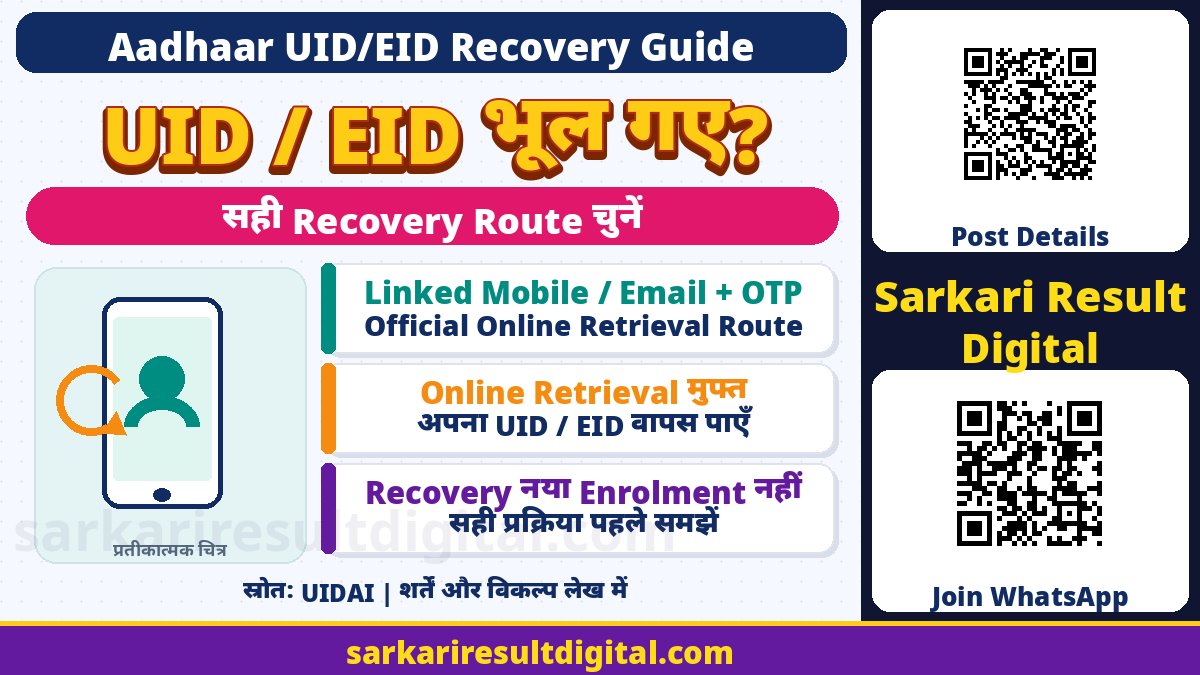
Lost Aadhaar UID/EID Recovery Guide: Aadhaar card या enrolment slip खोने पर नया enrolment करने से पहले existing Aadhaar number या Enrolment ID (EID) का official recovery route समझें। UIDAI की Lost/Forgotten Aadhaar guidance linked mobile/email और OTP वाला online retrieval, enrolment-centre biometric route और toll-free1947 assistance बताती है। Online retrieval free बताया गया है।
Existing number retrieve करना, e-Aadhaar download/print लेना, PVC card order करना और demographic/mobile details update करना अलग काम हैं। यह article किसी व्यक्ति का Aadhaar खोजता, OTP मांगता या personal recovery submit नहीं करता। अपने details केवल official UIDAI flow में दें; यहां कोई वास्तविक Aadhaar number या enrolment reference प्रकाशित नहीं है।
UID, EID, Download और Update का अंतर
| शब्द / काम | सही अर्थ |
|---|---|
| UID | आपका Aadhaar number; existing identity का identifier |
| EID | Enrolment acknowledgement reference, Aadhaar number से अलग |
| Retrieve UID/EID | भूला existing identifier वापस पाने का request |
| Download / Print | Aadhaar letter की copy पाना |
| PVC Order | अलग physical-card order और applicable fee |
| Mobile / demographic update | Existing record बदलने की अलग applicable प्रक्रिया |
Enrolment slip पर acknowledgement reference और date-time वाले EID को केवल कोई14digit number मानकर अधूरा न लिखें। UIDAI FAQ Aadhaar-generated enrolment के28digit EID में14digit number के बाद date stamp बताती है। Available original slip और official screen का format मिलाएं। कोई नया काल्पनिक number न बनाएं।

Linked Mobile या Email है तो Online Route
- Official UIDAI/myAadhaar का Retrieve UID/EID page खोलें।
- Aadhaar number या EID में जो retrieve करना है, सही विकल्प चुनें।
- Aadhaar के अनुसार पूरा नाम और linked mobile number/email दें।
- Current screen का captcha और verification पूरा करें।
- OTP केवल official screen में स्वयं भरें।
- Successful verification के बाद official confirmation/SMS देखें।
UIDAI FAQ full name, linked mobile/email, captcha और OTP बताती है तथा mobile-OTP authentication के बाद requested UID/EID linked mobile पर SMS से आने का वर्णन करती है। Current screen पर चुने contact mode की instructions पढ़ें; हर route का delivery pattern identical मानकर न चलें। यह service free बताई गई है।
Page पर details type कर देना retrieval success नहीं। OTP validation और actual official response की पुष्टि करें। बार-बार unrelated number डालकर किसी दूसरे व्यक्ति का record खोजने की कोशिश न करें। किसी caller, shop या public group को OTP न बताएं।
OTP नहीं आता या Number बंद है तो?
पहले entered name और linked contact original record से मिलाएं। जो mobile आपके पास है वह Aadhaar-linked number भी हो, यह जरूरी नहीं। OTP नहीं आने पर “कोई दूसरा number डालकर bypass” करना सही recovery method नहीं। Current official resend/error instructions और1947 assistance लें।
Number/email access नहीं है तो UIDAI के alternate official routes देखें। Online UID/EID retrieval खुद mobile update या नया account enrolment नहीं है। किसी agent का “बिना verification guaranteed recovery” दावा न मानें। इस article में SIM replacement, mobile ownership या personal record बदलने की कोई प्रक्रिया execute नहीं की गई है।
Linked Contact नहीं: Enrolment Centre का Route
UIDAI Lost/Forgotten FAQ “Print Aadhaar” service के लिए Aadhaar enrolment centre में personally जाने का विकल्प देती है। Aadhaar-generated enrolment के अनुसार name, gender, district या PINcode mandatory search information बताई गई है। Multiple records मिलने पर available year of birth, C/O, State जैसे additional demographics search narrow करने में मदद कर सकते हैं।
FAQ के अनुसार single fingerprint या single iris से biometric authentication और record match होने पर operator e-Aadhaar letter print दे सकता है। यह हर search में match मिलने या बिना identity authentication print मिल जाने की guarantee नहीं। किसी random home device/app को biometric देने के बजाय authorized centre का official flow लें। Current applicable fee और receipt देखें।

1947 Helpline और EID वाला Two-Stage तरीका
UIDAI FAQ toll-free1947 पर executive को required demographic details देने का विकल्प बताती है। Match मिलने पर executive EID provide कर सकता है। दूसरे stage में1947 IVRS पर available EID, Aadhaar-generated enrolment के अनुसार DOB और PINcode से match होने पर Aadhaar number communicate करने का process दिया है। यह helpline route free बताया गया है।
IVRS option numbers या menu समय के साथ बदल सकते हैं, इसलिए current spoken instructions follow करें। किसी private mobile number को UIDAI helpline न समझें। Executive/IVRS में matching conditions जरूरी हैं; केवल phone लगा देने से हर व्यक्ति का Aadhaar मिलना निश्चित नहीं। Unclear या failed-match case में official next steps लें।
₹30 और ₹40 Print Fee में Official अंतर
Lost/Forgotten FAQ में operator print service के लिए₹30 की पुरानी wording दिखती है। दूसरी ओर UIDAI की current Aadhaar Seva Kendra charges section में “Aadhaar Search using eKYC / Find Aadhaar / any other tool & colour printout on A4 Sheet” के अंतर्गत Download Aadhaar & Coloured Print₹40 दिखता है। Current service charges inclusive of applicable taxes बताए गए हैं।
| Service | शुल्क समझने का सही तरीका |
|---|---|
| Online UID/EID retrieval | UIDAI FAQ में मुफ्त |
| 1947 recovery assistance | FAQ में मुफ्त |
| Centre search/download + coloured print | Current ASK charges में₹40 |
| PVC order या record update | अलग service और applicable fee; recovery के साथ न मिलाएं |
इसलिए पुराने₹30 screenshot को हर centre की आज की final rate न मानें। Service का exact नाम और current official rate-card/receipt जांचें। Search, print, PVC और mobile update को bundle बताकर अनावश्यक charge लेने पर official1947/helpdesk से clarification लें। यहां कोई payment या card order नहीं किया गया है।
Recovery के बाद सुरक्षित अगला कदम
- मिला UID/EID निजी रखें; public comments या social group में न डालें।
- Document copy चाहिए तो official download/print route चुनें।
- PVC चाहिए तो उसे separate order और receipt के रूप में देखें।
- गलत contact/details हों तो applicable update service से ठीक कराएं।
- Slip खोने या card खोने को fresh Aadhaar enrolment की जरूरत मानकर duplicate request न करें।
Recovery से address, DOB या bank seeding अपने-आप बदलती नहीं। Aadhaar मिलने से किसी scheme का payment या eligibility approve नहीं होता। Password/OTP, bank PIN या remote-screen access किसी caller को न दें। Assistance में केवल आवश्यक information official channel पर साझा करें और current UIDAI instructions को प्राथमिकता दें।
अक्सर पूछे जाने वाले प्रश्न
क्या UID/EID retrieval free है?
UIDAI Lost/Forgotten FAQ online retrieval और1947 route को free बताती है। Centre print/PVC/update अलग services हैं।
क्या linked mobile नहीं होने पर कोई रास्ता नहीं?
UIDAI authorisedcentre biometric print और1947 matching वाले alternate routes बताती है।
क्या recovery से mobile number update हो जाएगा?
नहीं। Identifier retrieval और contact update अलग प्रक्रियाएं हैं।
Centre print₹30 है या₹40?
Older FAQ₹30 दिखाती है; current ASK rate-card search/download coloured print₹40 बताता है। Current exact service/receipt देखें।
क्या फिर से नया Aadhaar बनवाना चाहिए?
ExistingUID/EID खोने पर पहले official recovery लें; इसे fresh enrolment न समझें।
Official links और मूल स्रोत
- UIDAI/myAadhaar: Official Retrieve UID/EID
- UIDAI: Lost/Forgotten Aadhaar detailed FAQs
- UIDAI: Aadhaar Seva Kendra और current charges
- UIDAI:21September2025 revised-service-fee circular
Official स्रोत जाँच: 15 नवंबर 2026। बाद के संशोधन और संबंधित authority की वर्तमान instructions को प्राथमिकता दें।
प्रस्तुति और संकलन: Ashok Nayak | Sarkari Result Digital