EPFO UAN Activation Guide: अब UMANG Face Auth, Existing UAN और New Allotment का सही अंतर NEW
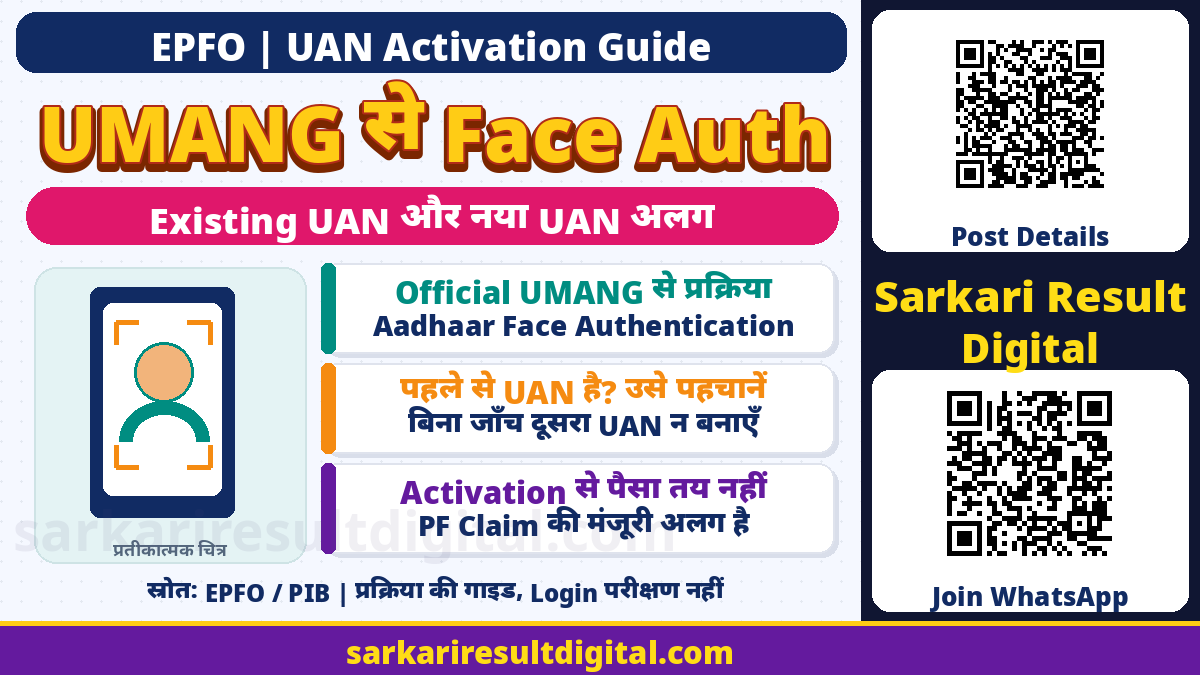
EPFO UAN Activation Guide: वर्तमान official Member Portal के “Activate UAN” control में सूचना है कि इस portal से UAN activation की सुविधा बंद हो चुकी है। अब Aadhaar-based Face Authentication के जरिए UMANG App में UAN activate करने का रास्ता बताया गया है। पुराने blog के Aadhaar-OTP-only portal steps को बिना जांच दोहराना सही नहीं।
Existing UAN को activate करना और पहली बार नया UAN allot कराना अलग जरूरतें हैं। पहले से UAN हो तो बिना जांच दूसरा number बनवाने की कोशिश न करें। यह guide official public instructions समझाती है; किसी सदस्य का UAN, Aadhaar, password या face authentication यहां नहीं किया गया है।
किस सेवा की जरूरत है? पहले पहचानें
| आपकी स्थिति | सही दिशा |
|---|---|
| UAN पहले से है, activate नहीं | UMANG में UAN Activation वाला applicable route देखें |
| पहली बार UAN allotment चाहिए | UAN Allotment and Activation की current प्रक्रिया समझें |
| UAN भूल गए | पहले official Know Your UAN या employer/EPFO सहायता से सही existing record पहचानें |
| UAN पहले से active है | दोबारा generation नहीं; जरूरी login/recovery/service की जांच करें |
| PF पैसा चाहिए | Claim eligibility और claim processing अलग; activation payout की guarantee नहीं |
एक employee का UAN और किसी employment का PF member account एक ही शब्द नहीं हैं। पुराने employment records का confusion हो तो employer/EPFO से current record स्पष्ट करें। नया employment शुरू होने का मतलब अपने-आप नया UAN बनाना नहीं है। गलत/duplicate record पर आगे बढ़ने से बाद की services में परेशानी हो सकती है।
Current Portal पर क्या दिखा?
Official member home पर existing UAN activation और new UAN generation के लिए UMANG app की सूचना दिखाई गई। “Activate UAN” चुनने पर current Important Update में portal activation discontinued लिखा है। उसी modal के steps हैं:
- Google Play Store या Apple App Store से official UMANG app लें।
- EPFO Services चुनें।
- “UAN Services Through Face Auth” में “UAN Activation” चुनकर instructions follow करें।
- सहायता के लिए EPFO Helpdesk14470 बताया गया है।
यह public source control तक का प्रत्यक्ष सत्यापन है। यहां किसी account में sign-in या किसी व्यक्ति की OTP/face verification पूरी नहीं की गई। App version, device और service availability की जांच user को अपने official app पर करनी होगी।

UMANG Face Authentication से पहले तैयारी
| तैयारी | क्यों जरूरी है |
|---|---|
| Official UMANG | EPFO service का सही entry point; अनजान APK/link से बचें |
| AadhaarFaceRD | PIB की published प्रक्रिया में यह app install करने को कहा गया है; current device instructions देखें |
| Aadhaar-linked mobile | Published flow में Aadhaar record के mobile से matching और OTP validation |
| Consent और live camera | Identity authentication; केवल gallery selfie upload नहीं |
| Existing UAN की जानकारी | Activation और fresh allotment में गलत चयन से बचाव |
PIB के9अप्रैल2025के विस्तृत flow में Android Playstore से UMANG और AadhaarFaceRD installation लिखा है। Current EPFO modal UMANG के लिए Play Store या Apple App Store बताता है। इसलिए हर device पर FaceRD का install तरीका, OS support या screen wording समान है, ऐसा दावा नहीं किया जा रहा। Current official app की compatibility और instructions देखें।
पहली बार UAN Allotment के Official Steps
PIB की documented प्रक्रिया के अनुसार new allotment में Aadhaar और व्यक्ति की face verification होती है, data Aadhaar database से pre-populate होता है और Aadhaar-linked mobile के साथ validation किया जाता है। सामान्य sequence:
- Official UMANG में EPFO खोलें और “UAN Services Through Face Auth” वाला current section चुनें।
- अगर नया UAN वास्तव में चाहिए, “UAN Allotment and Activation” सेवा चुनें। Existing record हो तो पहले सही रास्ता स्पष्ट करें।
- अपना Aadhaar और उससे linked mobile official interface में दें; consent पढ़कर दें।
- अपने mobile पर मिला OTP उसी official flow में validate करें। OTP किसी व्यक्ति को न बताएं।
- Camera/live-face instructions पूरा करें। PIB flow red से green outline को successful image capture का संकेत बताता है। इसे पूरा UAN बनने का अंतिम प्रमाण अकेले न मानें।
- Aadhaar image matching और successful processing के बाद UAN SMS तथा displayed status मिलाएं।
- Available e-UAN card download करें और generated number सुरक्षित रखें।
PIB के अनुसार generation के दौरान activation साथ में पूरी होती है। बाद में correct number/status मिलाना जरूरी है। अधूरी face capture या error screen पर बार-बार नया allotment कर duplicate प्रयास न करें।
Existing UAN की Activation अलग क्यों है?
PIB existing-but-not-activated UAN वाले members के लिए भी UMANG activation बताता है। Current official portal का modal इसी “UAN Activation” service का नाम देता है। इसलिए existing member को fresh generation की पूरी प्रक्रिया अपने-आप नहीं चुननी चाहिए।
App में अपने actual case की instructions follow करें। UAN भूलने, profile mismatch, inaccessible Aadhaar-linked mobile या पहले से active status की स्थिति में error का सही कारण पहचानें। सिर्फ किसी और का phone/face/Aadhaar उपयोग करके उस समस्या को bypass न करें। Official recovery/helpdesk का उपयोग करें।

e-UAN Card, Activation और PF Payment का अंतर
| चरण | क्या साबित नहीं होता |
|---|---|
| Face capture successful | अकेले UAN allotment/activation पूरा होने का final proof नहीं |
| UAN generated/activated | Employer contribution record या हर detail सही होने की guarantee नहीं |
| e-UAN card downloaded | PF withdrawal या pension claim मंजूर नहीं |
| Service access enabled | उस service की eligibility/KYC/other conditions खत्म नहीं |
| Claim submitted | Payment credited होने का प्रमाण नहीं |
PIB release activation के बाद passbook, KYC updates और claim submission जैसी services तक access का उल्लेख करती है। इसे सभी claims की automatic approval, किसी scheme की निश्चित DBT राशि या तुरंत bank payment न समझें। अपने account/service की current requirements और actual acknowledgement/status अलग मिलाएं।
सुरक्षा और Error आने पर सही कदम
- App और publisher official हैं, यह जांचें; forwarded APK/remote-control app से activation न करें।
- Consent और face process में वास्तविक member की भागीदारी जरूरी है। किसी photo को live face बताकर उपयोग न करें।
- OTP, UAN password या sensitive screenshots agent/अनजान caller को न दें।
- Error message और समय नोट करें, लेकिन Aadhaar/OTP/password छिपाकर ही helpdesk को screen दें।
- Current portal में14470helpdesk दिया है; official EPFO contact/grievance रास्ते भी देखें।
EPFO की16जून2025की official चेतावनी में online services को free बताते हुए unauthorized agents/companies से सावधान किया गया है। Official service fee और किसी तीसरे व्यक्ति की अपने-आप मांगी “activation payment” को एक न मानें। Payment करने से authentication या claim approval की guarantee नहीं बनती।
कौन-सी बात इस Guide में Verify नहीं की गई?
किसी व्यक्ति का login, Aadhaar-mobile matching, live face, UAN generation, e-UAN download या PF claim यहां पूरा नहीं हुआ है। इसलिए इसे end-to-end account activation tested, guaranteed success या specific account का diagnosis न मानें। Public official portal की current सूचना और published department process को साथ पढ़कर यह guide बनाई गई है।
Old PIB release process समझाती है, current portal बताता है कि आज सामान्य entry route क्या है। बाद में official UI/instructions बदलें तो current department guidance लागू होगी।
अक्सर पूछे जाने वाले प्रश्न
क्या Member Portal से पुराना UAN Activation अभी चलेगा?
जांच के समय official ActivateUAN modal portal facility discontinued बताकर UMANG FaceAuth route देता है। Current instructions देखें।
पहले से UAN है तो नया बनाऊं?
बिना जांच नहीं। Existing UAN activation/recovery और new allotment अलग हैं। अपना सही record पहले पहचानें।
क्या सिर्फ selfie upload काफी है?
नहीं। Official flow Aadhaar-linked mobile OTP, consent और live-face authentication बताता है।
e-UAN card से PF पैसा मिलना तय है?
नहीं। Activation/card और PFclaim eligibility, approval तथा actual payment अलग चरण हैं।
मदद कहां लें और क्या OTP दे सकते हैं?
Current official modal EPFO Helpdesk14470 बताता है। OTP/password किसी व्यक्ति को न दें; official interface पर ही उपयोग करें।
Official links और मूल स्रोत
- Current EPFO Member Portal: Activate UAN सूचना
- PIB: UAN generation और activation FaceAuth steps
- NeGD: UAN generation/activation UMANG सूचना
- PIB: Unauthorized agents से सावधानी और free services
स्रोत जाँच: 14 नवंबर 2026। संबंधित विभाग के वर्तमान निर्देश और बाद के आधिकारिक संशोधन लागू होंगे। यह जानकारी सहायता के लिए है, सरकारी स्वीकृति या लाभ की गारंटी नहीं।
प्रस्तुति और संकलन: Ashok Nayak | Sarkari Result Digital