DIKSHA Guide: Textbook QR, Course Batch, Progress और Certificate Download का अंतर NEW
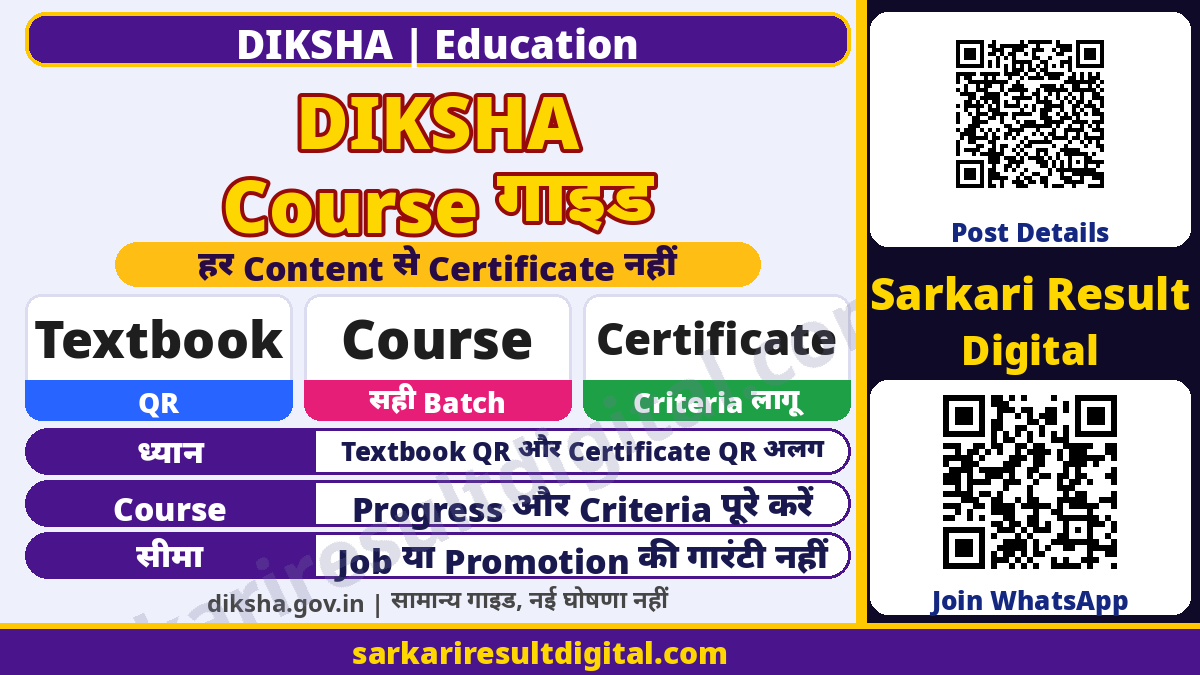
सीधा जवाब: DIKSHA पर किताब का QR/DIAL code देखकर learning content खोलना और किसी course के batch में enrol होकर certificate पाना अलग काम हैं। हर वीडियो या textbook पढ़ने से certificate नहीं मिलता। Course details में certificate और completion criteria जांचना जरूरी है।
स्रोत जांच: 10 नवंबर 2026। यह DIKSHA की सामान्य learning और certificate गाइड है। किसी नए teacher recruitment, mandatory training deadline, नौकरी, promotion या नया certificate जारी होने की घोषणा नहीं। उपलब्ध public help pages के आधार पर प्रक्रिया समझाई गई है; आपके state/course की वर्तमान batch और instructions अलग से देखें।
DIKSHA में Textbook, Course और Certificate का अंतर
DIKSHA help के अनुसार राज्य और केंद्रीय boards की Energised Textbooks में QR या DIAL codes छपे हो सकते हैं। उनसे किताब और जुड़े digital resources तक पहुंच मिलती है। किसी QR से खुला पाठ, video या activity अपने-आप course enrolment नहीं है। सही class, medium, subject और chapter मिलाना एक जरूरी शुरुआती जांच है।
Course learning में login करके किसी batch में enrol करना होता है। Course modules में बंटा हो सकता है और assessment भी हो सकता है। Progress दर्ज होती है। Certificate केवल उस course के issuance criteria पूरे होने पर मिलता है। Course में certificate है या नहीं, इसे उसके details card से देखें; केवल DIKSHA पर course दिखना पर्याप्त नहीं।
सेवा चुनने की छोटी तालिका
| विषय | जरूरी जांच |
|---|---|
| किताब का QR/DIAL | संबंधित textbook और learning content खोजने का रास्ता |
| Course खोज | नाम, keyword, QR या DIAL से course discovery |
| Batch enrolment | Login के बाद सही course और batch में प्रवेश |
| Progress | Course में की गई learning का दर्ज record; certificate से अलग |
| Certificate | Course-specific criteria पूरे होने पर जारी digital document |
| Certificate QR | जारी certificate की details verify करने का रास्ता; textbook QR से अलग |
Textbook के QR या DIAL से Content कैसे देखें?
- किताब का नाम, class, medium, subject और chapter जांचें।
- DIKSHA mobile app से textbook का QR scan करें या portal पर DIAL code खोजें।
- खुला हुआ resource किताब/पाठ से मिलाएं। गलत chapter हो तो code और पुस्तक की पहचान दोबारा देखें।
- उपलब्ध textbook और linked content देखें। Download हुआ content device पर सही खुलता है या नहीं, इसकी जांच करें।
- उसी QR का linked content आगे update हो सकता है; पुरानी screenshot को अंतिम version न मानें।
Official textbook help QR से जुड़े content को dynamically update किए जाने की बात कहती है। इसलिए समान code हमेशा स्थिर पुराना resource दिखाए यह जरूरी नहीं। यह सुविधा सभी boards की हर edition और सभी chapters की पूरी उपलब्धता की गारंटी नहीं है। किसी एक किताब का code न खुले तो उस किताब को fake या board को unrecognized कहना गलत होगा।
Course और सही Batch चुनने के चरण
- Course का पूरा नाम और provider/state information देखें। मिलते-जुलते नाम वाले course से भ्रम न करें।
- अपना login खोलें और संबंधित course के batch instructions पढ़ें।
- Certificate की उपलब्धता, completion criteria, assessment और batch की वर्तमान शर्तें नोट करें।
- सही active batch में enrol करें और modules पूरे करें।
- यदि assessment है तो उसके instructions और जरूरी criteria course के अनुसार पूरे करें।
- Progress तथा completion record देखें; उसके बाद Profile में certificate availability जांचें।
Course consumption help के अनुसार user किसी course के कई batches में enrol हो सकता है, लेकिन एक समय में एक active batch में enrolment/consumption रहता है। इसलिए दूसरी batch में course करने का record पहली batch में अपने-आप दिखाई देगा ऐसा न मानें। Departmental training के मामले में सही batch ID/name और state instruction विशेष रूप से मिलाएं।

Certificate कब और कहां मिलता है?
Official help course details card में certificate होने का संकेत देखने को कहती है। Certificate completion, merit/best score और applicable course criteria से जुड़ा है। Profile के Courses attended भाग में certificate देने वाले completed course के सामने Download Certificate विकल्प हो सकता है। जारी होने पर email या SMS की सूचना मिल सकती है। किसी notification के न आने को अकेले certificate reject होने का अंतिम प्रमाण न मानें।
Web help download को PDF में बताती है और overview में registered users के लिए PDF/PNG formats का उल्लेख करती है। इसलिए हर screen पर दोनों formats का button मिलने का वादा नहीं है। अपने current profile में उपलब्ध download option का उपयोग करें। Certificate पहले online कम-से-कम एक बार खोलने के बाद offline viewing/download संभव होने की बात help में है; इससे पूरा course हमेशा बिना internet चलेगा ऐसा निष्कर्ष न निकालें।
Certificate QR से क्या जांचें?
Certificate का unique QR scan करके खुलने वाले verification URL में नाम, course और completion details मिलाएं। Textbook का QR learning resource तक ले जाता है, certificate का QR जारी document की verification के लिए है। Screenshot पर लिखा “verified” देखकर ही भरोसा न करें; सही verification page में संबंधित record मिलाएं।
Certificate की सार्वजनिक visibility और अपने profile पर publish/share करना अलग फैसला है। नाम, teacher ID या अन्य personal details वाली file अनावश्यक रूप से public न करें। इस लेख के लिए कोई personal course account, certificate या learner record नहीं खोला गया है।

Certificate नहीं दिख रहा हो तो Checklist
- सही login/profile, सही course और सही batch है या नहीं।
- Course card में certificate वास्तव में दिया जा रहा है या केवल learning content है।
- Modules, assessment और issuance criteria पूरे हुए या progress अधूरी है।
- Certificate issue हुआ है तो Profile में download option जांचें।
- Official help कहती है कि creators कभी certificate बाद में attach कर सकते हैं; किसी तय दिन में सभी को मिलना जरूरी नहीं।
- पहले मिला certificate बाद में template update होने पर अपने-आप नया नहीं मिलता; state administrator से course-specific सहायता लें।
Certificate होना degree, teacher eligibility, college credit, promotion या सरकारी नौकरी की automatic मंजूरी नहीं है। जिस संस्था/विभाग के लिए certificate चाहिए, उसकी acceptance और training instructions अलग से देखें। यह DIKSHA guide है, पहले से मौजूद SWAYAM credit/exam guide का विकल्प नहीं।
अक्सर पूछे जाने वाले सवाल
क्या textbook QR scan करते ही certificate मिलता है?
नहीं। QR से linked learning resources मिलते हैं। Certificate course/batch और issuance criteria से जुड़ा है।
क्या हर DIKSHA course certificate देता है?
नहीं मानें। Course details card और applicable instructions देखें।
क्या केवल video पूरा देखना पर्याप्त है?
जरूरी नहीं। Modules, assessment और course-specific criteria लागू हो सकते हैं।
Certificate download कहां देखें?
Logged-in Profile में Courses attended के certificate देने वाले completed course का download option देखें।
क्या offline certificate देख सकता हूं?
Help के अनुसार पहले online कम-से-कम एक बार खोलने के बाद offline viewing/download संभव हो सकता है। Current app/device में जांचें।
क्या template बदलने पर पुराना certificate नया हो जाता है?
Official help automatic updated certificate मिलने की गारंटी नहीं देती। संबंधित state administrator से पुष्टि करें।
सरकारी स्रोत
- DIKSHA Help: Course Consumption
- DIKSHA Help: Downloading Course Certificates
- DIKSHA Help: Textbook QR/DIAL Access
संपादकीय तैयारी: Ashok Nayak | Sarkari Result Digital. सरकारी स्रोतों से सामान्य जानकारी; व्यक्तिगत मामले में संबंधित विभाग से पुष्टि करें।