Virtual Labs Student Guide: मुफ्त Simulation Experiments, सही Lab Search, Registration और College Practical का अंतर NEW
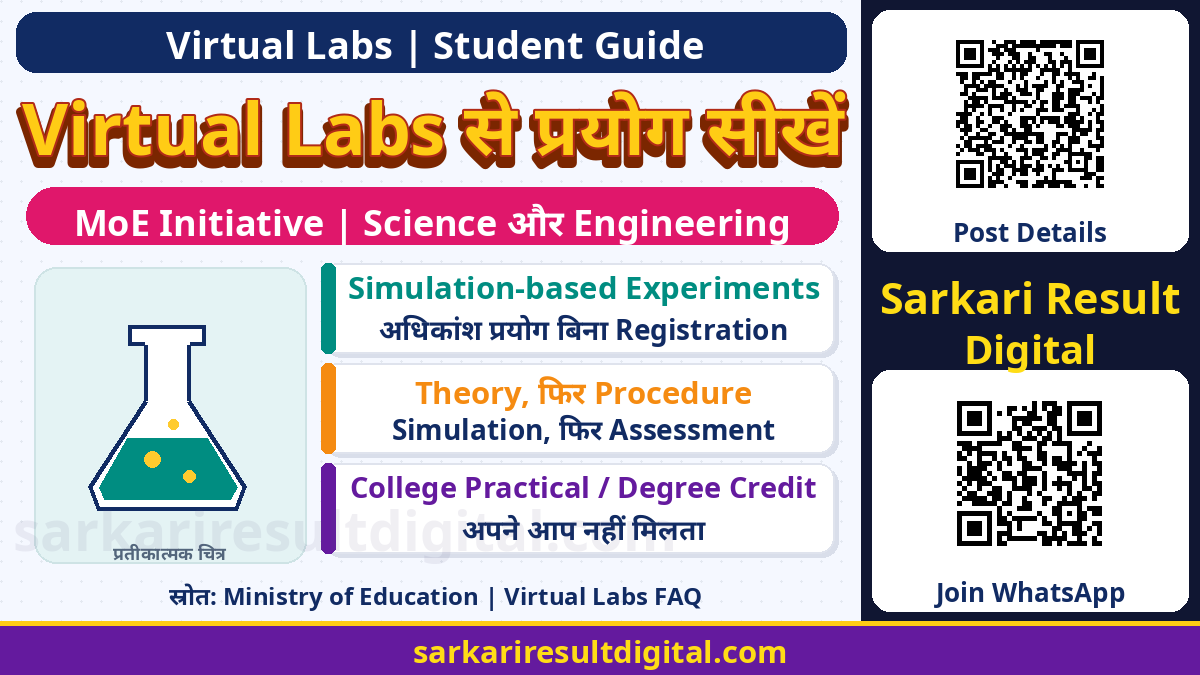
Virtual Labs से Experiment सीखना: Ministry of Education की ICT initiatives list में Virtual Labs को curriculum-based virtual experiments के लिए दिया गया है। इस platform पर science और engineering के simulation-based प्रयोगों से concepts समझे जा सकते हैं। सही lab चुनना, theory और procedure पढ़ना, parameters बदलकर observation करना तथा self-assessment करना केवल video देखने से अलग learning process है।
Official FAQ के अनुसार use मुफ्त है और अधिकांश experiments बिना registration किए किए जा सकते हैं; कुछ simulation-based labs अपने website पर one-time registration मांग सकती हैं। इसे guaranteed college practical marks, automatic degree credit, नया admission या हर experiment पर certificate की घोषणा न मानें। यह student-use guide है, किसी account में registration या experiment submission की पुष्टि नहीं।
Official Virtual Labs की पहचान
Ministry of Education का ICT directory Virtual Labs को web-enabled experiments के रूप में सूचीबद्ध करता है। Common entry website vlab.co.in है। अलग-अलग participating institutes के labs अपने lab-specific pages पर खुल सकते हैं। इसलिए homepage, lab title और hosting institute पहचानकर आगे बढ़ें, केवल समान नाम वाले search advertisement पर निर्भर न रहें।
MoE directory पुराना initiative reference है, आज की हर lab की uptime या total experiment count का प्रमाण नहीं। Current lab-specific instructions को भी पढ़ें। इस guide में rapidly changing कुल प्रयोग संख्या को permanent guarantee की तरह नहीं रखा गया है।
| विषय | क्या देखें? |
|---|---|
| उद्देश्य | Science / engineering concepts की experimentation से समझ |
| Common entry | Official Virtual Labs homepage |
| Lab page | Institute और experiment-specific instructions |
| क्या नहीं | हर college में automatic practical acceptance का प्रमाण |
Discipline, Institute और Lab Name से खोजें
Official FAQ discipline-wise और institute-wise lab discovery बताती है। Lab name और discipline से search का विकल्प भी बताया गया है। पहले अपना subject, syllabus topic या experiment का concept तय करें, फिर suitable lab देखें। हर मिलते-जुलते title का syllabus आपके semester से समान नहीं होगा।
Homepages पर electronics, electrical, civil, computer science, mechanical, chemical, physical sciences और अन्य broad areas मिलते हैं। जिस lab पर जाएं उसका objective, target audience और course alignment देखें। केवल IIT का नाम देखकर यह न मानें कि वही प्रयोग आपकी class के लिए सबसे उपयुक्त है।
| विषय | क्या देखें? |
|---|---|
| Subject पता है | Discipline-wise lab देखें |
| Institute पता है | Participating institute listing देखें |
| Experiment का नाम पता है | Lab / subject search उपयोग करें |
| अंतिम मिलान | Objective, prerequisite और syllabus topic |

मुफ्त Use और Registration का सही अंतर
FAQ use को free of cost बताती है। साथ ही वह स्पष्ट करती है कि most experiments सीधे किए जा सकते हैं, पर कुछ simulation-based labs one-time registration मांगती हैं। इसलिए हर प्रयोग के लिए account अनिवार्य या कोई lab login नहीं मांगेगी, दोनों blanket बातें गलत होंगी।
Browser में account मांगने पर उसी official lab के instructions और destination domain देखें। Nodal Centre enrollment और individual student registration अलग हैं। College का institute-level EOI form भर देना student account का सामान्य step नहीं है। Internet data या अपने device का खर्च platform की free-use statement से अलग है।
Device, Internet और Software Requirements
Official FAQ PC या smartphone और broadband connectivity से access बताती है। Simulation का layout, controls और screen size प्रयोग के अनुसार अलग हो सकता है। फोन पर page खुल जाने से हर complex control उतना ही सुविधाजनक चलेगा, ऐसा दावा नहीं। जरूरत हो तो computer पर सही supported browser में दोबारा पढ़ें।
FAQ सामान्यतः specific software की जरूरत नहीं बताती, लेकिन कुछ labs की software dependencies के लिए free downloadable link का exception देती है। इसलिए पहले उसी lab की requirements पढ़ें। केवल forwarded executable या किसी अनजान download से काम शुरू न करें। यह guide किसी personal device पर software install नहीं करती।
| विषय | क्या देखें? |
|---|---|
| Device | PC / smartphone, lab के controls के अनुसार |
| Connectivity | Internet / broadband access |
| Software | कुछ labs में specific dependency संभव |
| Download | Official lab instructions और सही source से |
Theory से Simulation तक सही Learning क्रम
प्रयोग शुरू करने से पहले aim और theory पढ़ें। कौन-सी quantity बदलेगी, क्या measured output देखना है और relevant units क्या हैं, यह लिखें। Procedure को पूरा पढ़कर initial settings समझें; random button clicks से केवल output number मिल सकता है, concept स्पष्ट नहीं होता।
यदि lab pre-test, manual, video, animation या post-test देती है तो उन्हें उपलब्ध क्रम में उपयोग करें। हर lab में सारे sections या बिल्कुल समान interface होंगे, ऐसा नहीं। Instructions में reset, input range या step order दिया हो तो उसका पालन करें। Simulation में दिखाई value को real instrument से की गई physical measurement कहकर प्रस्तुत न करें।
| विषय | क्या देखें? |
|---|---|
| पहले | Aim, theory और prerequisite |
| फिर | Procedure और initial parameters |
| Run के दौरान | Input, output, unit और observation |
| अंत में | Interpretation और available self-assessment |

Observation Table कैसे बनाएं?
अपने notebook में input parameters, output, units और छोटे comments के columns बनाएं। एक बार में एक variable बदलकर trend समझना उपयोगी अभ्यास हो सकता है, यदि lab procedure इसकी अनुमति देता हो। अपना observation और explanation अलग लिखें, ताकि simulator ने क्या दिखाया और आपने क्या निष्कर्ष निकाला, साफ रहे।
बार-बार वही output आने या unexpected result मिलने पर पहले procedure, parameter limits, reset और unit conversion देखें। सही लगने वाला answer पाने के लिए observations बदलकर लिखना सीखने का उद्देश्य पूरा नहीं करता। College submission में teacher की academic-integrity और lab-report instructions लागू होंगी।
IIT Delhi Drone Lab का वास्तविक उदाहरण
Current participating-institute page IIT Delhi के अंतर्गत Drone Technology Lab I और II सहित labs सूचीबद्ध करती है। Actual Drone Technology introduction web-based simulation में flight dynamics, model design, control algorithms और sensor/navigation concepts सीखने का विवरण देता है। यह एक topic example है, सभी students के लिए compulsory course नहीं।
Online drone simulation करना real drone उड़ाने, airspace permission, pilot certification या hardware safety training का replacement नहीं है। अपनी syllabus जरूरत देखें और उसी lab के objective तथा experiment instructions से शुरुआत करें। यह article किसी physical drone से connection या control का दावा नहीं करता।
College Practical, Marks और Certificate की सीमा
Official FAQ Virtual Labs को physical laboratories का complement बताती है। Virtual demonstration और safe concept practice उपयोगी हो सकते हैं, लेकिन उपकरण संभालना, real measurement errors, physical safety और supervised practical की कुछ जरूरतें अलग होती हैं। College की mandatory physical attendance या assessment खुद से replace न करें।
किस activity को practical record, internal marks या credit में स्वीकार किया जाएगा, यह अपने teacher/institution की approved instructions से पूछें। यह guide universal student certificate, automatic university credit या सभी experiments के downloadable scorecard का प्रमाण नहीं पाती। कोई lab-specific certificate हो तो उसी की conditions अलग पढ़ें।
| विषय | क्या देखें? |
|---|---|
| Virtual practice | Concept और procedure की learning |
| Physical practical | Institution के required supervised tasks |
| Self-test | Self-assessment, automatic college marks नहीं |
| Certificate / credit | Specific official lab और institution policy जांचें |

समस्या आए तो Useful Report तैयार करें
Lab का exact URL, experiment title, device/browser, error message और कौन-से step पर समस्या आई, नोट करें। पहले instructions, connectivity और lab-specific dependency देखें। किसी page के आज न चलने से पूरे initiative को बंद या fake घोषित न करें; दूसरे official lab की availability अलग हो सकती है।
Official FAQ [email protected] support address देती है। Help मांगनी हो तो relevant details दें, password या OTP नहीं। Screenshot में अपना login, email और दूसरे निजी details अनावश्यक न दिखाएं। इस article ने आपकी ओर से email या support ticket नहीं भेजा है।
Regular Study में उपयोग की Checklist
एक syllabus topic चुनें, suitable official lab खोजें, aim और theory पढ़ें, procedure के अनुसार experiment करें और observation लिखें। अंत में अपने शब्दों में result समझाएं। Teacher से unresolved concept और practical-report expectations पूछें। Lab-specific reset या repeat option हो तो उसी का उपयोग करें, arbitrary automated requests नहीं।
FAQ simulation-based labs के लिए 24×7 access बताती है, लेकिन उससे हर page का uninterrupted uptime या आपके device की compatibility की guarantee नहीं बनती। Current instructions और maintenance notices को प्राथमिकता दें। Science concept practice को paid admission या guaranteed placement scheme की तरह promote न करें।
अक्सर पूछे जाने वाले प्रश्न
क्या Virtual Labs मुफ्त हैं?
Official FAQ use को free of cost बताती है; internet/device का अपना खर्च अलग है।
क्या हर Experiment के लिए Login चाहिए?
नहीं। Most experiments direct हैं; कुछ simulation labs one-time registration मांग सकती हैं।
क्या Mobile पर Use कर सकते हैं?
FAQ PC/smartphone और internet access बताती है। Exact controls और usability lab-specific हैं।
क्या Software कभी नहीं चाहिए?
कुछ labs में dependency हो सकती है और official free download link दिया जाता है। Requirements पढ़ें।
क्या College Practical के बदले मान्य है?
Automatic नहीं। Virtual Labs complement हैं; marks, attendance और credit institution से confirm करें।
क्या हर Experiment पर Certificate मिलेगा?
ऐसी universal guarantee इस guide ने स्थापित नहीं की। Specific lab और institution policy देखें।
Official Links और मूल स्रोत
- Ministry of Education: ICT Initiatives Directory
- Official Virtual Labs Homepage
- Virtual Labs: Current FAQ
- Participating Institute: IIT Delhi
- IIT Delhi: Drone Technology Lab Introduction
Official स्रोत जांच: 17 नवंबर 2026। आगे के संशोधन और संबंधित authority के current निर्देश लागू होंगे।
प्रस्तुति और संकलन: Ashok Nayak | Sarkari Result Digital